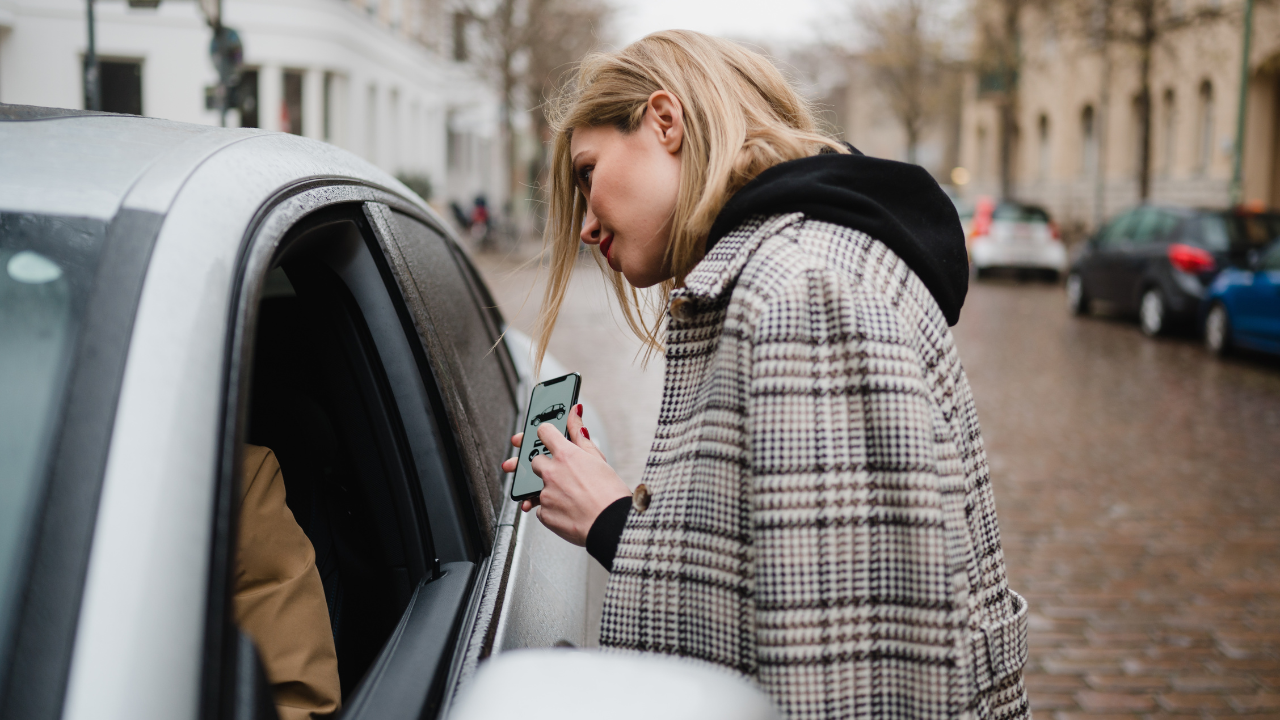
In a disturbing breach of trust, a mobile repair shop worker in New Zealand allegedly tried to AirDrop a nude photo from his customer’s phone to himself. The victim received a “Airdrop failed” notification showing the intimate image – indicating an attempt had been made to steal it. Source
Stories like this one are unfortunately common. In crowded spaces like concerts, airports, or public transit, your phone’s default settings can expose you in surprising and dangerous ways. Below are three simple, actionable safety tips – plus real stories that show why they’re essential.
1. Disable Precise Location Before Posting Live
Tip: Turn off “Precise Location” in app settings before posting from anywhere public.
Why it matters: Geotagged posts can reveal your exact whereabouts in real time. This risks enabling stalking or tracking, especially when combined with pattern recognition across platforms.
Real Case:
In a chilling example of tech’s dark side, an alleged serial stalker in Adelaide reportedly used Apple AirTags and social media accounts to monitor his exes. Among the disturbing tactics, he allegedly created fake profiles to friend them, planted tracking devices in cars, and even mailed highlighted screenshots of intimate messages to one victim’s brother—all without consent. Source
2. Restrict AirDrop to Stop Cyber-Flashing
Tip: Set AirDrop to “Contacts Only” or turn off receiving completely.
Why: Leaving AirDrop on “Everyone” can expose you to unsolicited and sometimes sexually explicit images sent by strangers nearby—a violation of digital consent.
Real case: Cyber-flashing is a growing problem. In Australia, students and adults report receiving disturbing images via AirDrop without consent. According to one high school student, “The reaction is shock because you’re being exposed to something so traumatic.” Experts urge users to disable this setting to protect themselves. Source
3. Don’t Post During an Event—Post Later

Tip: Save posts as drafts and share them after you’ve left.
Why: Posting in real time broadcasts your location and movements to an audience that may include malicious actors.
Real case: A recent report highlights how default iPhone features like Memories and AirDrop can hurt survivors of abuse—by resurfacing traumatic images or exposing them to unsolicited content from past abusers. While not tied to live posting specifically, it shows how technology can inadvertently perpetuate unsafe digital environments. (Source 1)(Source 2)
Real-World Alarm: Hidden GPS Trackers at Airports
While not tied to the reel tips, this recent news underscores how vulnerable people—especially women—can become in spaces we trust:
An airport operations employee in the U.S. is now facing stalking charges after allegedly using GPS trackers to monitor at least six women without their knowledge. (Source 1)(Source 2)
Technology misuse in physical spaces is just as serious as digital exposure—it all connects to the need for embedded security awareness.
Conclusion
Small settings changes—like toggling off precise location, securing AirDrop, and delaying posts—can dramatically reduce your risk of unwanted attention or breaches of privacy. The technology itself isn’t the enemy — the key is being aware of how it’s designed, understanding its default settings, and using it with intention.
Keep these quick tips in mind before your next outing:
- Turn off exact location when posting.
- Restrict AirDrop or switch it off entirely.
- Post after you leave to stay safer.
Stay safe, stay present—and let your online sharing be intentional.
Download our free VPN guide to add an extra layer of protection so you can browse, post, and connect with peace of mind.